| |  | WebExe 1.56 |  |
| | The following screenshot shows WebExe immediately after start-up:
 |
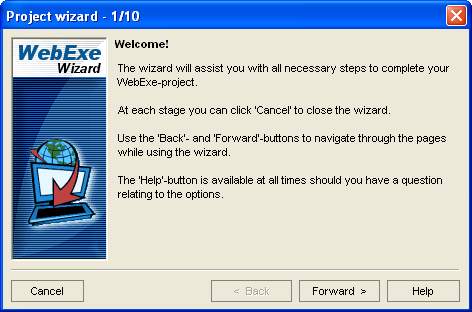
An electronic wizard assists you with all important adjustments:
 |
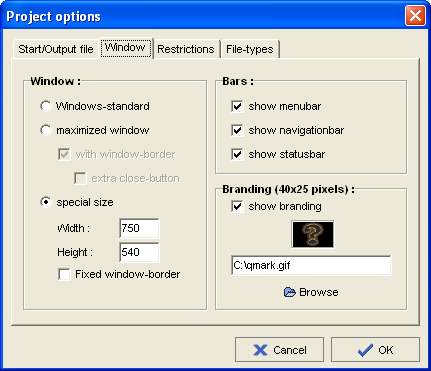
Of course you can also configure all project options without the help of the wizard:
 |
To see an example of a WebExe project, take a look at a screenshot of the program's help file:
 |
|
|  | Copyright © 1998-2008 by Andreas Wulf (AWS) |  |
|